Camera AI · Safety
Your cameras already see the risk. Make them sensors.
Most sites already own hundreds of cameras. People watch a handful of them, and only after something goes wrong. Running detection on the feeds you have turns every camera into a sensor, and putting each finding on a 3D twin tells you who owns it.
The problem: cameras record, nobody watches
A typical plant, hotel or hub runs dozens or hundreds of fixed cameras. They feed a video wall that two people glance at between other jobs. Footage gets pulled after an incident, to explain what happened. It almost never prevents one.
The risks are visible on camera long before they reach a report. A contractor walks into an exclusion zone without a harness. Water spreads across a guest corridor before the morning rush. A forklift and a picker cross at the same blind corner six times a shift. Each event is on video, timestamped, and lost.
Every site already pays for the cameras. It just does not get the data.
Who this is for
- HSE and safety managers who need evidence, not anecdotes
- Operations and FM directors who own the response
- Security leads who want more from the existing video estate
- Construction and plant managers working under permits and site rules
What the camera AI does
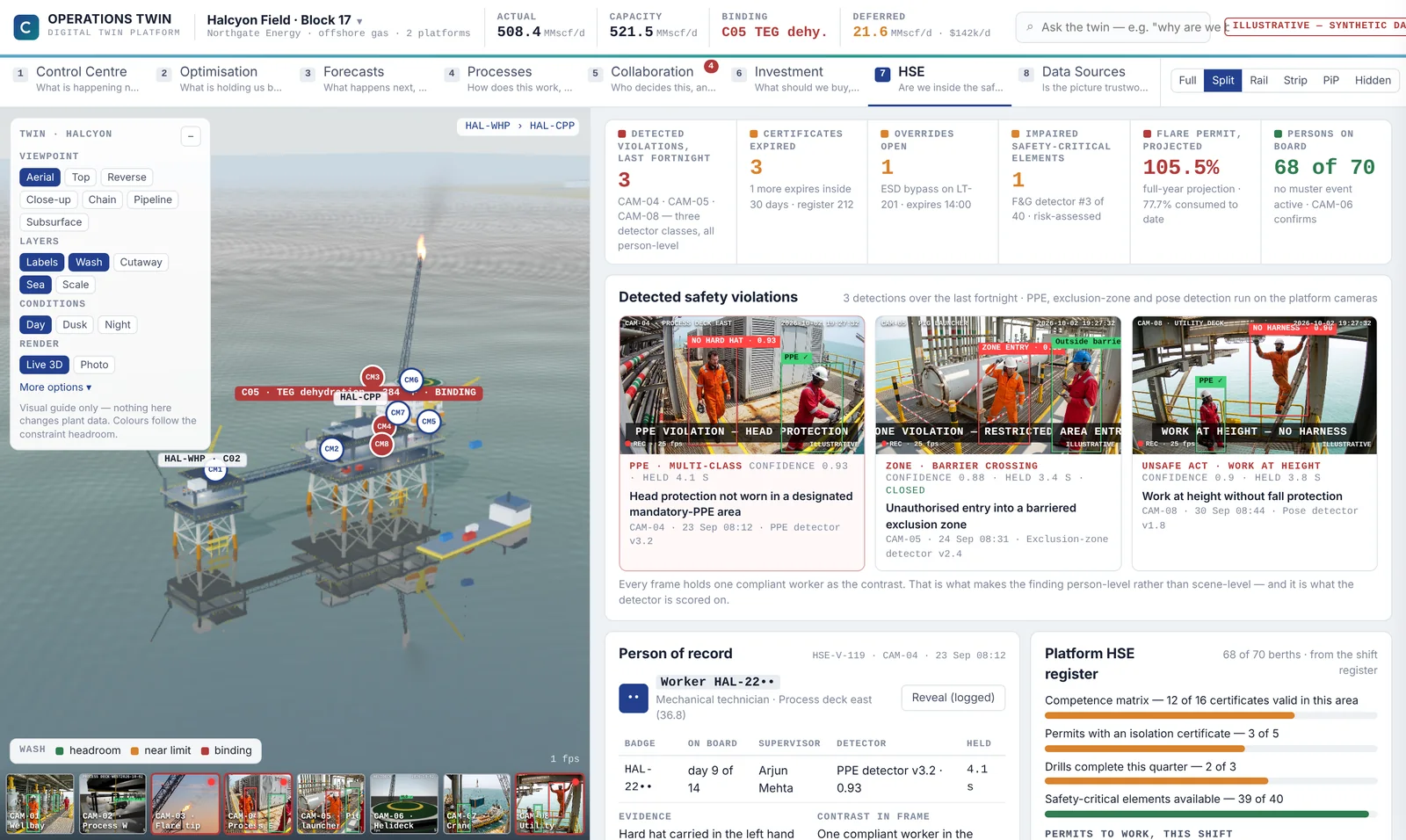
Synopton connects to your existing cameras over RTSP and ONVIF, read-only. No new hardware, no rip and replace. Detectors run on each feed and look for what your site rules care about:
- PPE: hard hats, high-visibility vests and harnesses where they are required
- Exclusion zones around cranes, lifting operations and live plant
- People and vehicles, with the distance between forklifts and pedestrians
- Truck queues at the gate and the state of each dock door
- Water or spills on floors and guest routes
Each detection is stored as evidence: which camera, what time, which detector version and how confident it is. In the demo hotel, water on a guest route is flagged at 07:58 by a camera the hotel already owns, with a confidence of 0.91. That finding becomes a decision with an owner and a deadline, not a clip in an archive.
Why it matters that the camera sits on a twin
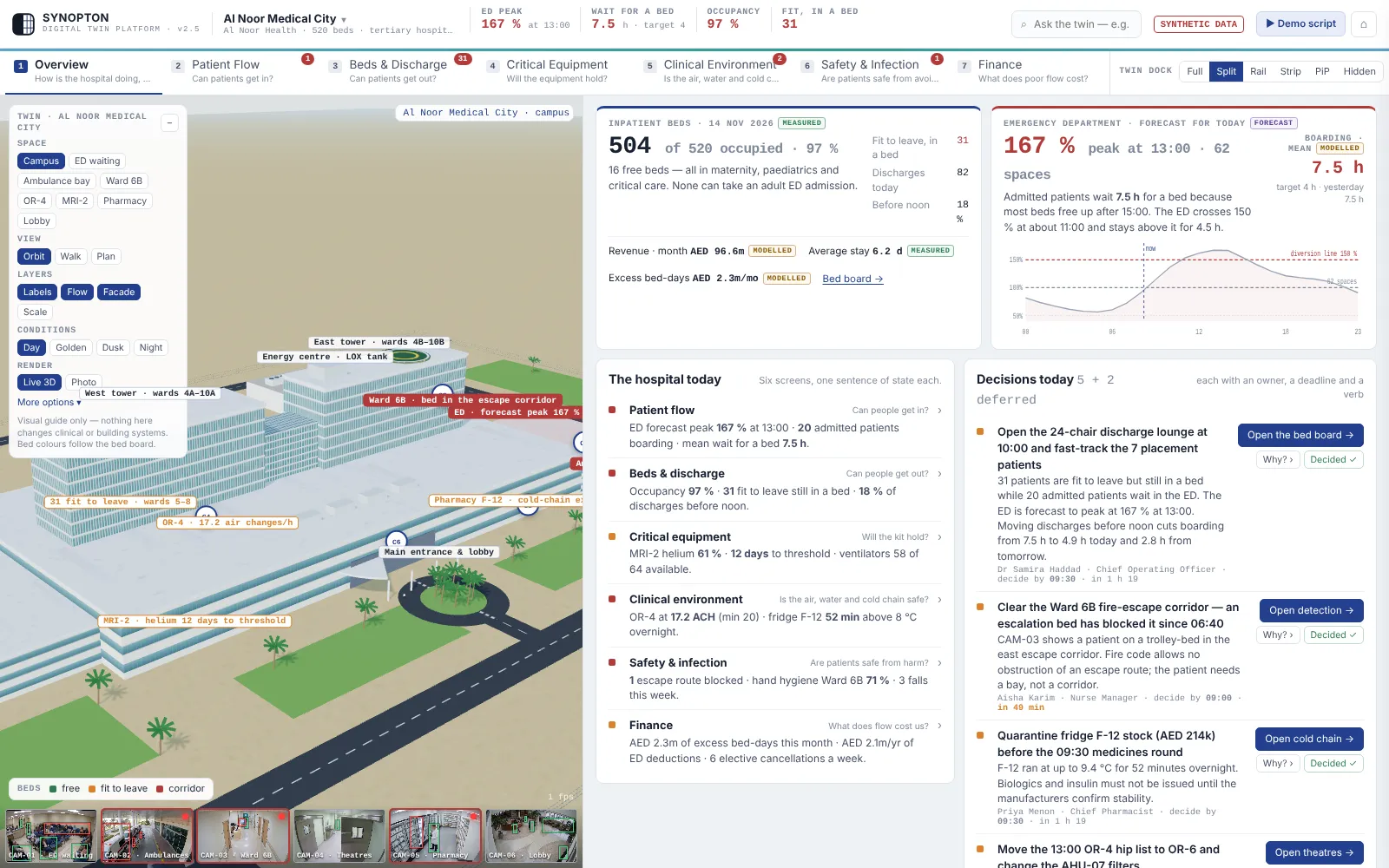
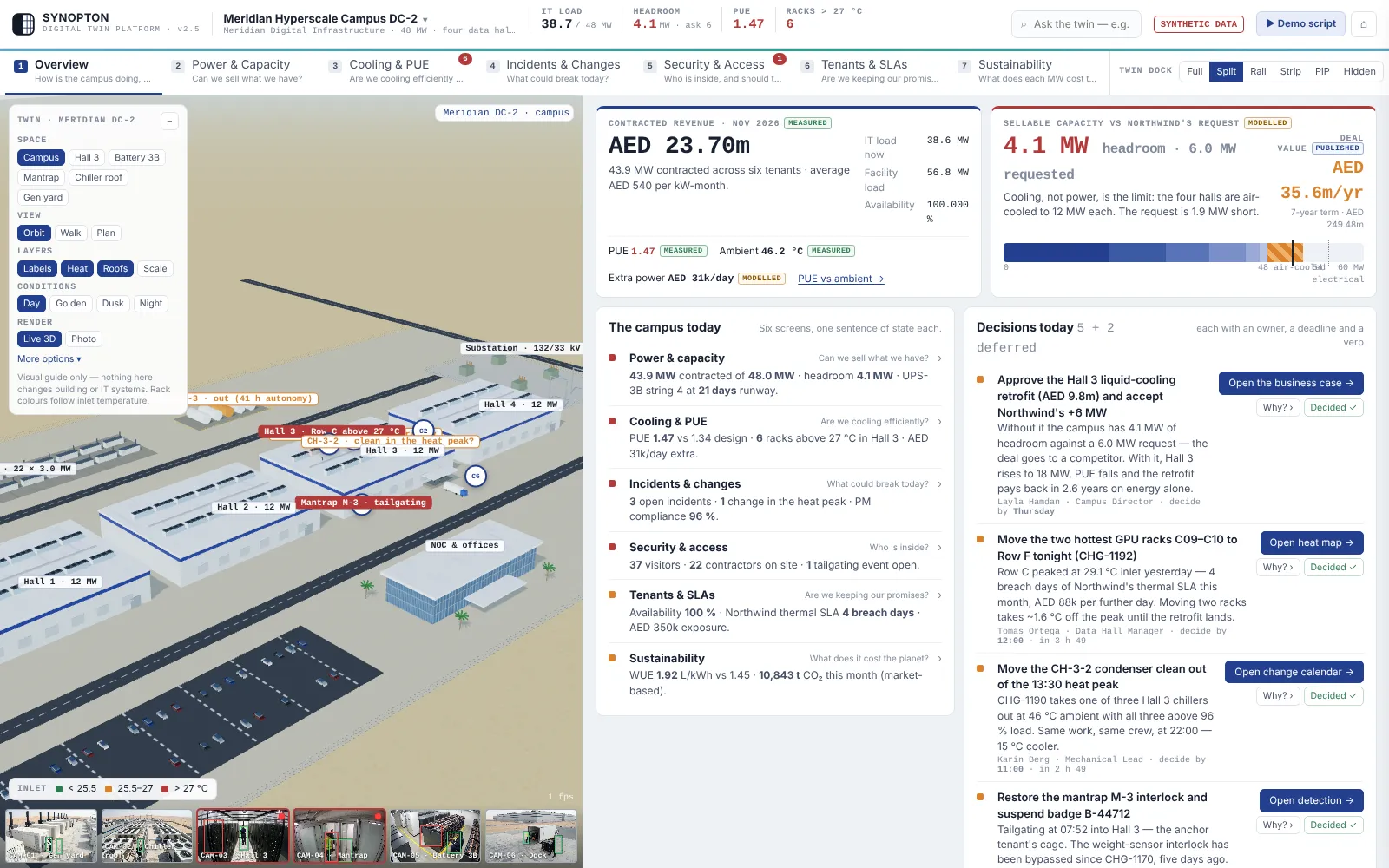
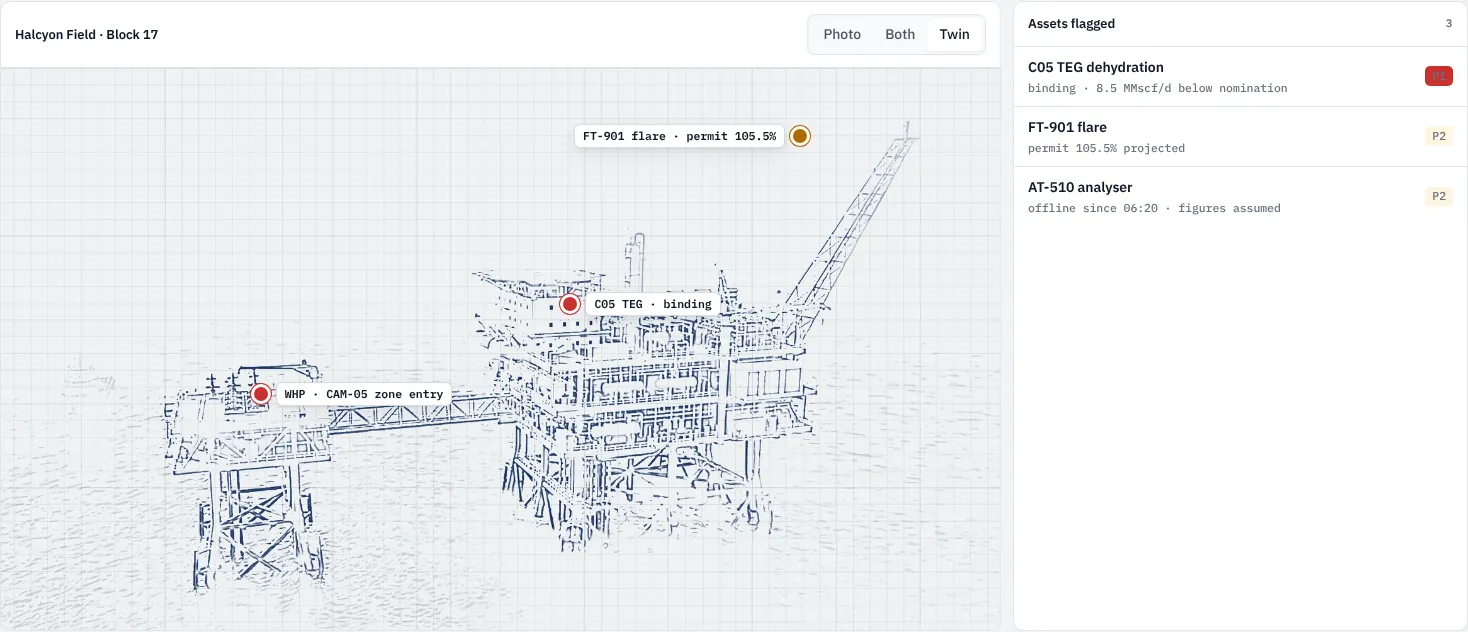
A detection on its own is an alert. The same detection placed on a 3D twin of the site is context. Synopton places every camera where it really hangs, so a finding lands on the floor, the zone or the piece of plant it concerns.
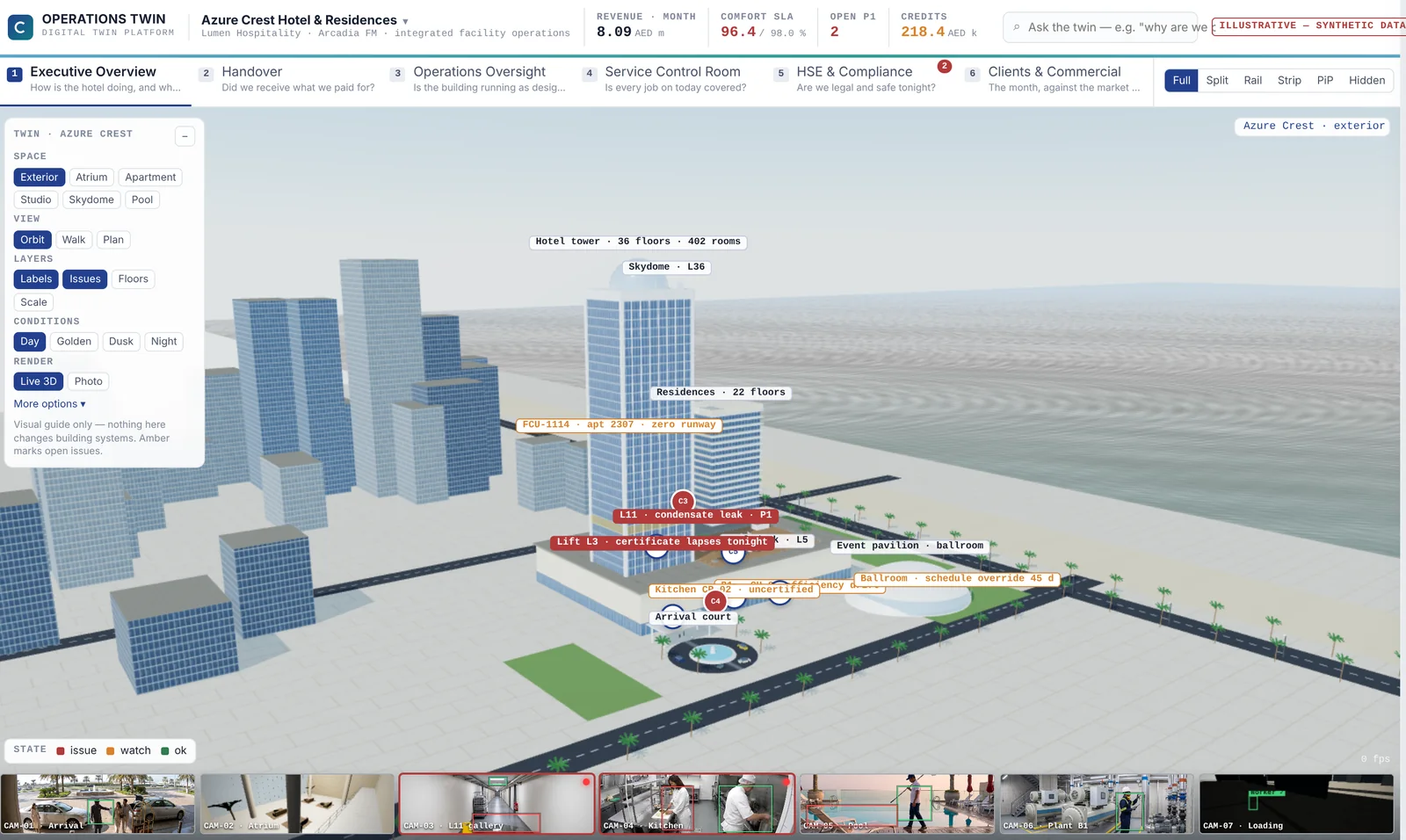
That changes three things. You see whether the same corner keeps producing near misses. You see the permit, the work order and the contractor tied to that zone. And Ask the twin can answer "any open safety events?" with a list that cites each camera and timestamp, instead of a guess.
Not every camera will have clean footage, and the twin says so. A feed that drops out is marked, and anything derived from it switches to assumed, so nobody takes a decision on a blind spot.
Privacy by design
Detectors measure what the rule needs and nothing more. Faces are never stored. Staff references are masked by default, and revealing a name is a logged action in the audit trail. Footage and findings stay in your own tenancy if you choose to host there. Read-only means read-only: nothing writes back to the video management system or to plant controls.
See it running
The live console shows twelve camera feeds across four demo sites, with the event log streaming. The person and vehicle boxes are real detector output on each clip; the PPE, zone and plant findings follow the demo scenario. The platform page explains how detections become decision records.
What it costs
Cameras are priced as part of the twin: the annual subscription per asset scales with the number of connected sources and cameras. We quote after a 30-minute scoping call. The pilot runs on one asset with your own feeds for a fixed fee agreed at scoping, credited against the first year if you continue. See how the pilot works.
Put your cameras to work
Tell us the site, roughly how many cameras it has and the one safety rule you most need enforced. Email info@synopton.com or book a scoping call, and you get the full demo straight away.
Questions buyers ask
Do we need new cameras?
No. Synopton uses the cameras you already have over RTSP or ONVIF. If a view is too poor for a detector, we flag it during the pilot so you can decide whether a new camera is worth it.
Does it store faces or identify staff?
No. Faces are never stored and staff references are masked by default. Revealing a name is written to the audit log.
Can footage stay inside our own environment?
Yes, if you prefer. The twin can run in your own cloud tenancy. Hosting, data residency and retention are agreed during the pilot and written into the contract.
How do we know a detection is right?
Every finding carries its camera, time, detector version and confidence, and one click opens the evidence behind it. A person decides what happens next, and that decision is recorded with the finding.
Your site, your data
Want your cameras working as sensors?
Tell us the asset and the question it has to answer. You get the full demo straight away, and we come back within one working day to book 30 minutes.